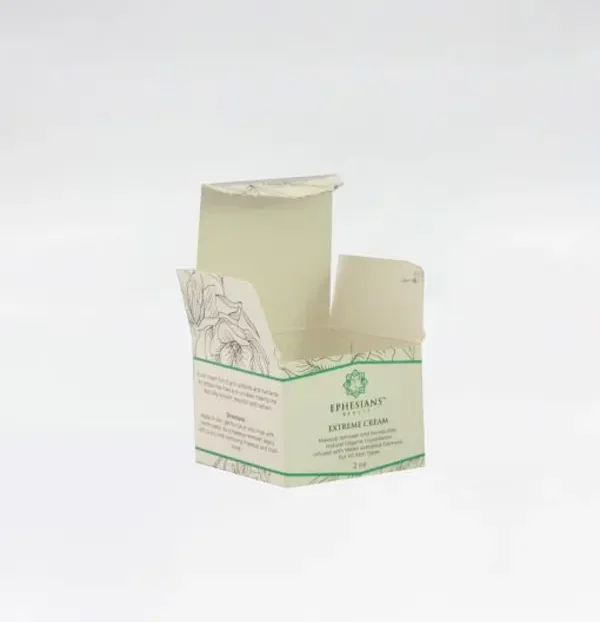
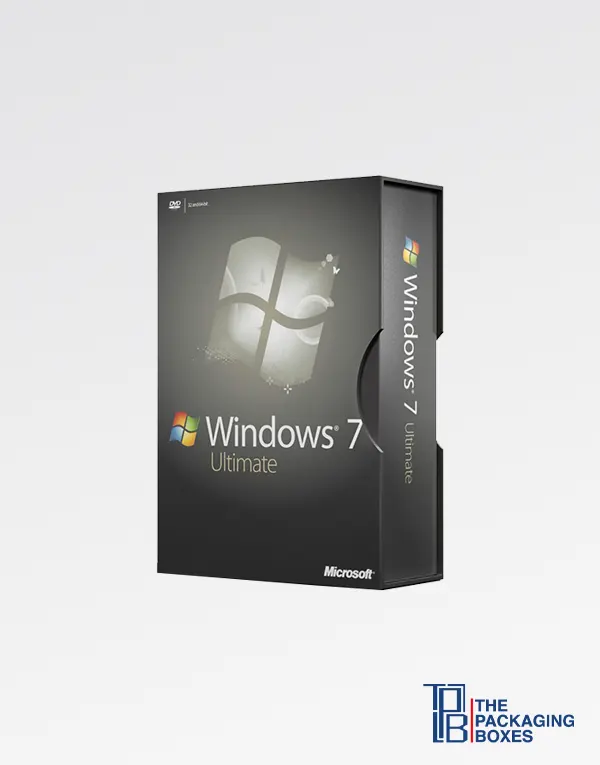
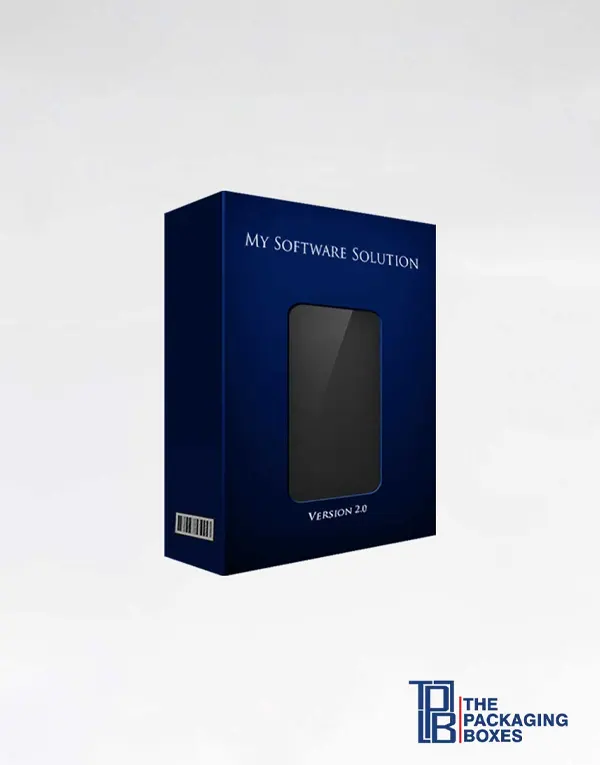
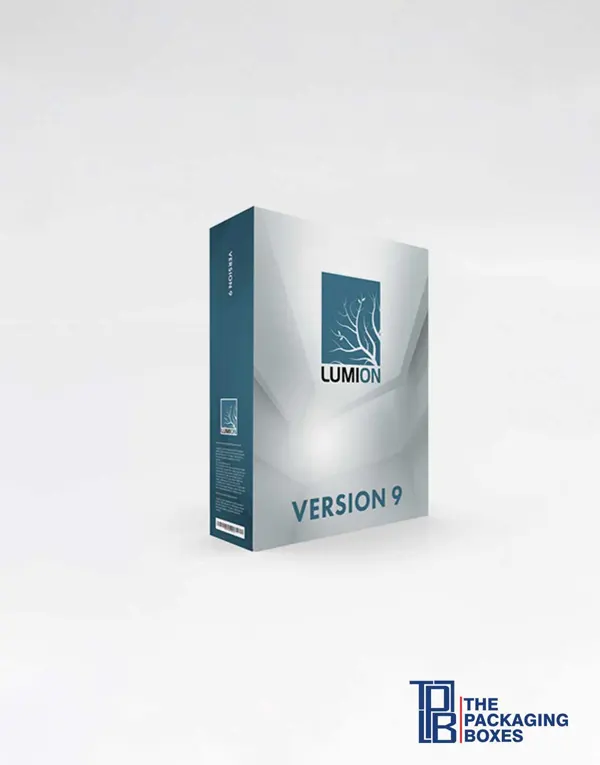
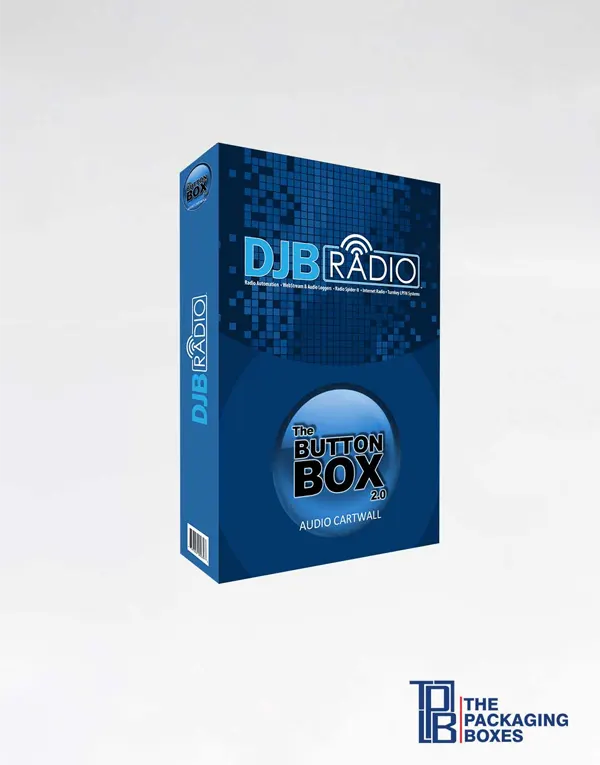
A software box turns a download code, disc or USB drive into something a customer can pick up, compare and wrap as a gift. Publishers, game studios, training companies and IT resellers order custom printed software boxes to hold license cards, manuals and media in one retail-ready pack. You can buy software boxes in tuck-end, sleeve or book-style formats, sized to your contents. Distributors stocking several titles often choose software boxes wholesale so every edition matches on the shelf. Each carton is printed with your logo, screenshots and system requirements. Buy now or request a quote today.
Software boxes are printed cartons that package physical software products, such as license key cards, installation discs, USB drives and printed manuals, for retail sale or direct shipment. They give a digital product a physical presence on the shelf and carry the information a buyer checks before purchase, including features, system requirements and the barcode.
Because a great deal of software is still sold, gifted and handed over in person, even when the program itself is downloaded. Electronics stores and office retailers need something to hang or stack. Accounting, security and design tools are bought as gifts and for small offices by people who prefer a boxed copy. Trainers hand out course software at seminars, and hardware makers bundle drivers and licenses with a device.
A box also does a selling job that a download page cannot do in a store. It gives you a front panel for the name and edition, a back panel for screenshots and benefits, and a spine that can be read when titles are shelved side by side.
The contents decide the size and the insert, so list them before you ask for a quote. Typical items include:
Many current products contain only a key card and a leaflet. In that case the carton is mostly air, and a paperboard insert is what stops the card from rattling and makes the pack feel substantial when it is picked up.
Four structures account for most software packaging, and the choice comes down to how the product is sold and how premium it should feel.
A straight or reverse tuck-end carton is the workhorse for retail software. It ships flat, erects in seconds and gives four clean printable panels plus the top and bottom flaps.
A printed outer sleeve slides over an inner tray that holds the media. This suits special editions, since the tray can be a contrasting color and the reveal feels deliberate. Our sleeve boxes page shows how the two parts fit together.
A rigid chipboard box with a hinged, magnetic or flap-closed cover opens like a hardback book. Publishers use it for collector’s editions, enterprise licenses and boxed training courses that include several items.
A reinforced tab with a punched hole lets a slim carton hang on a peg. It works well for key-card products and antivirus subscriptions sold near the checkout.
Plan the panels the way a shopper reads them. The front carries the product name, version or edition, the publisher logo and one clear statement of what the program does. The back is for screenshots, a short feature list and any comparison between editions.
Use a side panel or the lower back for system requirements, supported operating systems and what is included in the box. The barcode, publisher address, copyright line and license terms summary usually sit on the bottom or lower back, where they are easy to scan without interrupting the design. If the product is shelved spine-out, repeat the title and logo on both side panels.
Leave quiet space around the barcode and keep small legal text dark on a light background so it stays readable after lamination.
For most retail titles, SBS paperboard is the right answer: it is smooth, bright and stiff enough to stand upright on a shelf. Kraft board suits developer tools, indie titles and brands that want a low-key, natural look. Choose E-flute corrugated when the box will ship on its own or carries heavier contents such as thick manuals, and choose rigid chipboard when the box is part of the product and is meant to be kept.
Finishes direct the eye and protect the print from handling. Spot UV over a product name or screenshot makes it catch the light against a matte background. Foil stamping works for edition badges such as “Professional” or “Anniversary Edition”, and embossing gives a logo depth. Soft-touch lamination adds a velvety feel that suits premium and creative software, while gloss lamination keeps colorful game and children’s titles bright.
Studios that sell both boxed titles and tabletop products often carry the same finishes across their game boxes so the whole range looks related.
Fit the insert to the item rather than the box. A key card should sit in a slot or behind a retaining tab, a disc should be sleeved, and a USB drive needs a die-cut cavity that grips it. For drive-only products, purpose-made USB boxes may be a better fit than a full-size carton. Tuck flaps can be made with slit locks, and many publishers add a clear seal label or shrink film after packing so a shopper can see the box has not been opened.
Custom software boxes from Boxify Now come with low minimums, no die or plate charges and free shipping; your quote will confirm delivery details for your location and the production timeline.
If you are preparing a new release or refreshing the packaging for an existing title, send us your specifications and request a quote, and we will help you get printed software boxes that look right on the shelf.
Most retail software boxes are SBS paperboard, which is smooth, white and stiff enough to stand on a shelf. Kraft board, E-flute corrugated and rigid chipboard are also available, depending on whether the box is displayed, shipped or kept as a collector’s item.
Size it to the largest item inside, usually the manual or disc sleeve, plus a little clearance. Many publishers use a DVD-case footprint because retailers already shelve it, but slimmer key-card cartons and larger bundle boxes are just as easy to produce.
Yes. A slim tuck-end or hang-tab carton with a paperboard insert holds a key card securely and gives it shelf presence. The insert stops the card from sliding and lets the pack feel solid even though the contents are light.
Yes. A reinforced hang tab with a round or euro-style hole can be built into the back panel. Tell us the weight of the packed box and the peg size your retailers use so the tab is cut to suit.
We print whatever is in your approved artwork, including barcodes, system requirements, license summaries and legal lines. Supply the barcode as vector art at full size, with clear space around it, so it scans reliably on the finished box.
PMS spot inks are available when a logo or brand color must stay consistent across titles and print runs. Screenshots and photographic artwork are printed in CMYK, and the two methods can be combined on the same carton when needed.
Die-cut paperboard and corrugated inserts work for cards, sleeved discs and manuals, while a foam or layered card cavity grips a USB drive. Each insert is cut to your items, so send their dimensions with your quote request.
Matte lamination with spot UV on the title is a dependable combination for professional software. Gloss suits bright consumer and game titles, soft-touch feels premium, and foil stamping or embossing can highlight an edition name or logo.
Yes. Standard, professional and enterprise editions can share one dieline with different artwork, which keeps a product family consistent on the shelf. Let us know how many versions you have so each one is proofed separately.
Minimums are low, which helps independent developers and small publishers print a limited run for a launch or event. Your quote will show the quantities available for the style, board and finishes you choose.
The timeline depends on the box style, finishes and quantity, and it is confirmed on your quote. If you are working toward a release date or trade show, mention it when you get in touch so production can be planned around it.
Yes. You receive a digital proof and a 3D mockup showing every panel, flap and insert. It is the moment to check spelling, version numbers and barcode placement, because printing only begins once you approve.
Send print-ready artwork as PDF, AI or EPS at 300 DPI in CMYK, placed on the dieline we provide. If you have screenshots and a logo but no layout, our designers can assemble the panels for you free of charge.
Folding cartons, sleeves and corrugated styles ship flat so they take up little storage space and are quick to erect when you pack. Rigid book-style boxes arrive assembled because their wrapped chipboard panels are not designed to fold.
The cartons can be designed with slit-lock tucks or a tear strip, and they are sized so you can apply a seal label or shrink film after packing. Tell us which method you plan to use and we will allow for it.